-
buildsite@163.com
- May 8, 2026
1. Why Self-Service Kiosks Need Industrial Keyboards
Self-service kiosks have become part of daily life. Subway ticket vending machines, hospital check-in terminals, parking payment kiosks, fast food self-ordering screens, airport self-check-in counters — these devices are used by thousands of people every day.
But one question rarely comes up: the keyboards used on these devices are nothing like the ones on home computers.
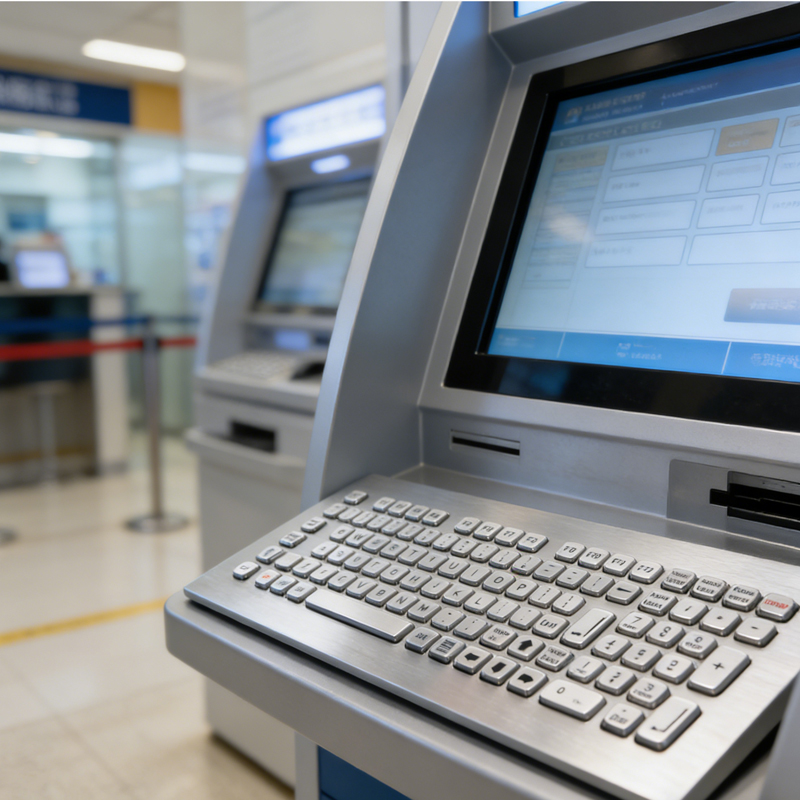
Self-Service Kiosks and Public Facilities
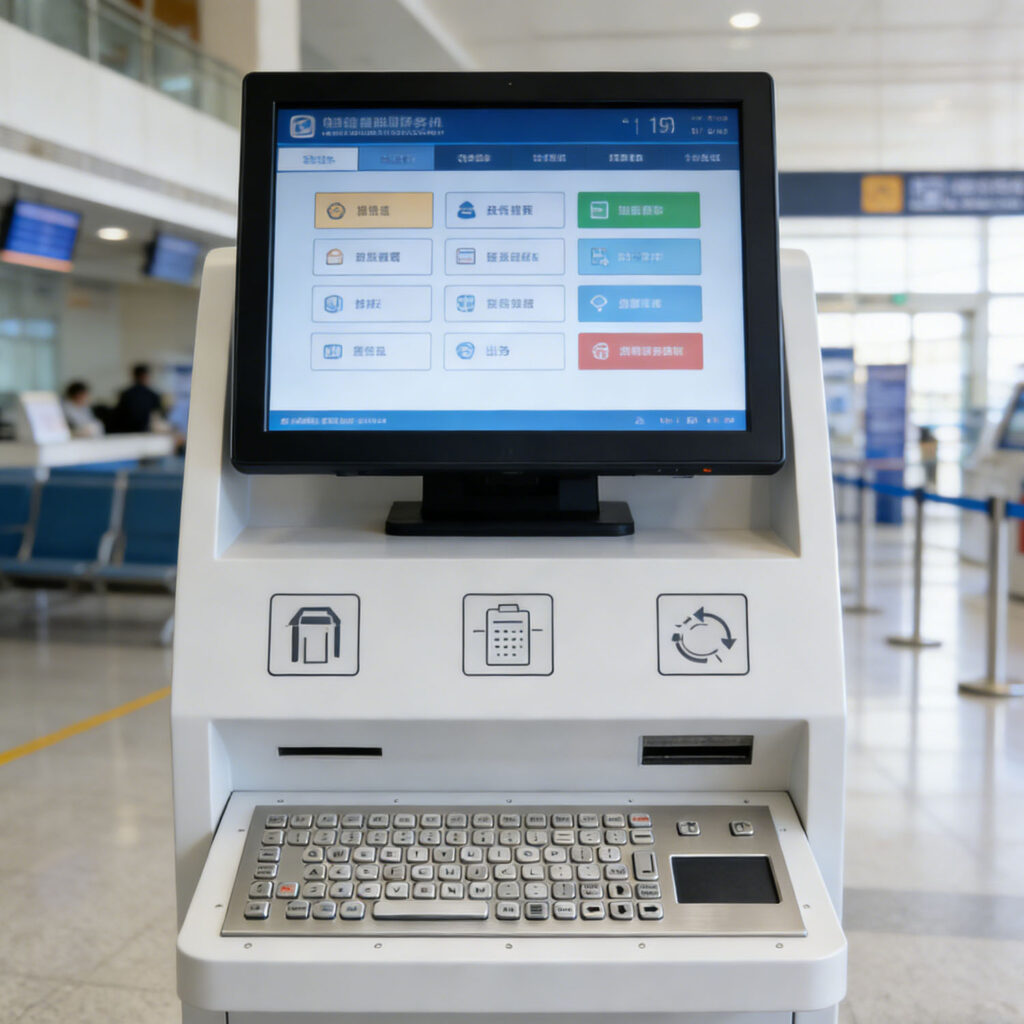
A standard keyboard is designed for one person in a quiet indoor environment. That premise does not hold in public spaces. Public kiosks face completely different conditions — sun and wind, dust and grease, high and low temperatures, rough handling by strangers, and even intentional vandalism. A standard keyboard in such an environment might last only a few months, or even a few weeks.
Industrial keyboards are designed specifically for these scenarios. They do not prioritize typing feel or sleek appearance. Their core purpose is simple: to work reliably under harsh conditions.
2. Key Technical Requirements for Industrial Keyboards
Industrial keyboards used in self-service kiosks must meet much higher standards than standard keyboards in several areas.
Ingress Protection Rating
The IP code consists of two digits. The first represents dust protection, the second represents water protection. IP54 means limited dust protection and protection against splashing water, suitable for semi-indoor use. IP65 means complete dust protection and protection against low-pressure water jets, sufficient for most outdoor kiosks. IP67 means complete dust protection and protection against temporary immersion, suitable for areas with heavy rainfall or potential standing water. IP68 means protection against continuous immersion, for extreme environments.
For outdoor self-service kiosks, IP65 is the minimum requirement. Parking payment terminals and EV charging stations typically require IP67. Food-related terminals often require IP69K because they need to withstand high-pressure water washing.
Mechanical Impact Resistance
Public kiosks see heavy use every day, and a significant portion of that use is rough. Hard presses, fast tapping, hitting with fists — these are real scenarios. Industrial keyboards must withstand such operation without damage. The IK rating is the standard measure of impact resistance, with IK07 to IK10 being common ranges.
Weather Resistance
Outdoor kiosks must survive year-round climate changes. Under high temperature and sunlight, ordinary plastic will deform or become brittle. In low temperatures, materials may lose their toughness. Long-term UV exposure causes case aging and legend fading. Industrial keyboards use UV-resistant and wide-temperature materials, typically rated from -20°C to +70°C.
Chemical Resistance
Terminals in hospitals and food industries require regular disinfection. Alcohol, chlorine-based disinfectants, hydrogen peroxide — these common cleaning solutions corrode standard keyboard surfaces, causing case cracking or legend fading. Industrial keyboards use chemical-resistant materials such as specialized silicone compounds or 304/316 stainless steel.
Key Switch Lifespan
Standard keyboards are typically rated for five to ten million keystrokes per key. Industrial keyboards require higher ratings, with ten to twenty million being common. For high-traffic devices like subway ticket machines, key switch lifespan directly determines maintenance intervals.
Operational Adaptability
Outdoor users may wear gloves. Standard keys are nearly impossible to press accurately with gloves on. Industrial keyboards typically use larger key sizes, adjusted travel and actuation force, or incorporate alternative input devices like trackballs to accommodate gloved operation.
3. Technical Selection for Different Application Scenarios
Subway and Railway Ticket Vending Machines
These terminals see extremely high usage, run 24/7, and serve a large and diverse user base. The primary input requirement is numeric and a small number of function keys. The common configuration is a stainless steel panel-mount numeric keypad with a trackball or touchpad for cursor control. IP65 or higher is required. Backlighting is optional but not always necessary.
Parking Payment Terminals
Fully outdoor environment, exposed to sun and rain, frequent nighttime use. Users need to complete transactions quickly. Stainless steel full keyboards or numeric keypads are common. IP67 is required. White or blue backlighting is essential — without it, keys cannot be seen at night. Keys need clear tactile feedback so users can confirm operation despite vehicle noise.
Hospital Self-Service Check-in and Payment Terminals
Primarily indoor, no direct rain exposure, but used frequently and require constant disinfection. Both silicone and stainless steel keyboards work. The key requirement is that materials must withstand repeated wiping with alcohol and chlorine-based disinfectants. Key layouts typically include numeric keys and a few function keys such as confirm, cancel, and back.
Fast Food Self-Ordering Kiosks
Restaurant environment with significant grease exposure. Users operate quickly, and terminals see high usage. Silicone keyboards are preferred because they are easy to clean — a single wipe with a cloth removes surface grease. Keys are typically larger, with preset shortcut function keys for actions like add to order, checkout, and delete.
Public Information Kiosks
Information terminals in malls, airports, and government buildings. Primary input is through touchscreens, with physical keyboards serving as a supplement. Usually only a few custom function keys are needed — back, home, reset, for example. Membrane switches or small mechanical switches can be used, integrated into the device bezel.
Electric Vehicle Charging Stations
Decentralized outdoor equipment with high maintenance costs, so reliability requirements are extremely high. Stainless steel numeric keypads with IP67 and backlighting are typical. Some models also require remote management capabilities.
Vending Machines
Traditional vending machines use numeric keypads for entering product codes. Keypads are small, with just sixteen numeric keys and a few function keys. With the spread of touchscreens and mobile payments, physical keyboards are being phased out on some new equipment, but there remains a large replacement demand for existing machines.
4. Main Types of Industrial Keyboards
By Material
Silicone keyboards use one-piece molded sealed construction, providing good water and dust protection. They are quiet and relatively low in cost, suitable for indoor or semi-outdoor use. Stainless steel keyboards feature metal cases and metal keycaps, offering strong resistance to vandalism and corrosion, suitable for outdoor and high-traffic areas. Membrane keyboards have the thinnest profile and lowest cost, but shorter lifespan and poorer feel, suitable for low-frequency auxiliary buttons.
By Function
Numeric keypads contain only digits 0-9 and a few function keys. They are compact and suitable for applications requiring only numeric input. Full-function keyboards include a complete key set, suitable for information query and maintenance access. Keyboards with integrated pointing devices incorporate a trackball or touchpad, suitable for applications requiring cursor control with limited panel space. Custom function key panels define keys based on specific requirements, common in applications where the user interface needs to be simplified.
By Mounting Method
Panel-mount keyboards are installed from the front of the equipment panel, with the bezel covering the cutout. This is the most common method. Surface-mount keyboards are fixed directly to the equipment surface. Installation is simple, suitable for retrofit projects. Drawer-mount keyboards are hidden inside the equipment and pulled out when needed, common for maintenance access panels.
5. Customization: Why and How
Self-service kiosk manufacturers rarely purchase off-the-shelf standard keyboards. The reason is simple: each kiosk has different industrial design, different panel dimensions, different key layout and function definitions. Standard keyboards are difficult to match.
A typical custom industrial keyboard process follows these steps:
In the requirements definition phase, the customer provides panel drawings, key function definitions, environmental conditions, and usage requirements. In the industrial design phase, the keyboard manufacturer proposes key layout, material selection, and mounting method based on the customer’s panel design. In the engineering sample phase, samples are produced for customer testing to verify dimensions, feel, and reliability. In the pilot production phase, a small batch is produced and verified on actual equipment. In the mass production and delivery phase, production runs according to orders and units are delivered.
The entire cycle typically takes two to four months, depending on the depth of customization. Simple legend and connector customization may take as little as one month. Deep customization involving new mold tooling takes longer.
6. The Relationship Between Industrial Keyboards and Touchscreens
Touchscreens have become increasingly common in human-machine interfaces, but physical keyboards have not been replaced. These two input methods have different strengths and weaknesses, and in practice they complement each other.
The advantage of touchscreens is their flexible interface, which can display different buttons dynamically based on the current context. The disadvantage is the lack of tactile feedback — users must look at the screen to confirm their actions. In conditions involving gloves, screen smudges, or moisture, touchscreen performance degrades noticeably.
The advantage of physical keyboards is their clear tactile feedback and support for blind operation. Key positions are fixed, and experienced users can find the key they need without looking. The disadvantage is fixed functionality — keys cannot change based on context.
In good kiosk design, the two are combined. Touchscreens handle information display and flexible interaction options. Physical keyboards handle the most frequent operations — numeric entry, confirm, cancel. This combination provides both flexibility and operational efficiency.
7. Considerations When Purchasing Industrial Keyboards
For kiosk manufacturers or operators, several factors deserve attention when purchasing industrial keyboards.
Define the operating environment. Before purchasing, be clear about where the equipment will be installed. Indoor or outdoor? Will it face rain exposure? Does it require frequent disinfection? What is the temperature range? These conditions directly determine the required ingress protection rating and materials.
Confirm mounting dimensions. Industrial keyboards are typically panel-mounted, requiring a cutout on the equipment panel. Cutout dimensions and shape must match the keyboard. It is best to provide panel drawings to the supplier for confirmation.
Consider lifespan requirements. Different applications have different requirements for key switch lifespan. High-frequency equipment like subway ticket machines requires ten million or more cycles. Low-frequency auxiliary equipment can accept lower specifications. Higher lifespan comes with higher cost — choose a reasonable specification that meets requirements without over-specifying.
Test compatibility. Industrial keyboards connect to the host equipment via USB or serial port. Before purchasing, confirm the interface type and driver compatibility. USB keyboards typically work plug-and-play. Serial keyboards may require driver configuration or specific communication protocols.
Request samples for testing. Before large-scale purchasing, request samples for real-environment testing. Install the sample on actual equipment, run it for a period of time, simulate real usage conditions, and verify reliability and durability.
WhatsApp:+8617728195735
Or browse our full range of industrial keyboards on Amazon: https://www.amazon.com/s?me=AKINNGJBMBU5Z&marketplaceID=ATVPDKIKX0DER